Hi!
My name is Alex, and I'm the author of RefactoringGuru.
It's been a while since I sent anything via the raccoon mail, so this letter may feel out of the blue. You're getting it because you've supported my work as a patron or customer before.
I wanted to share news about a project I've been cooking up for several years now. After tons of testing, countless updates, and improvements, I think I'm finally ready to reveal it in its full glory to a group of my biggest fans and, of course, YOU!
|
|
|
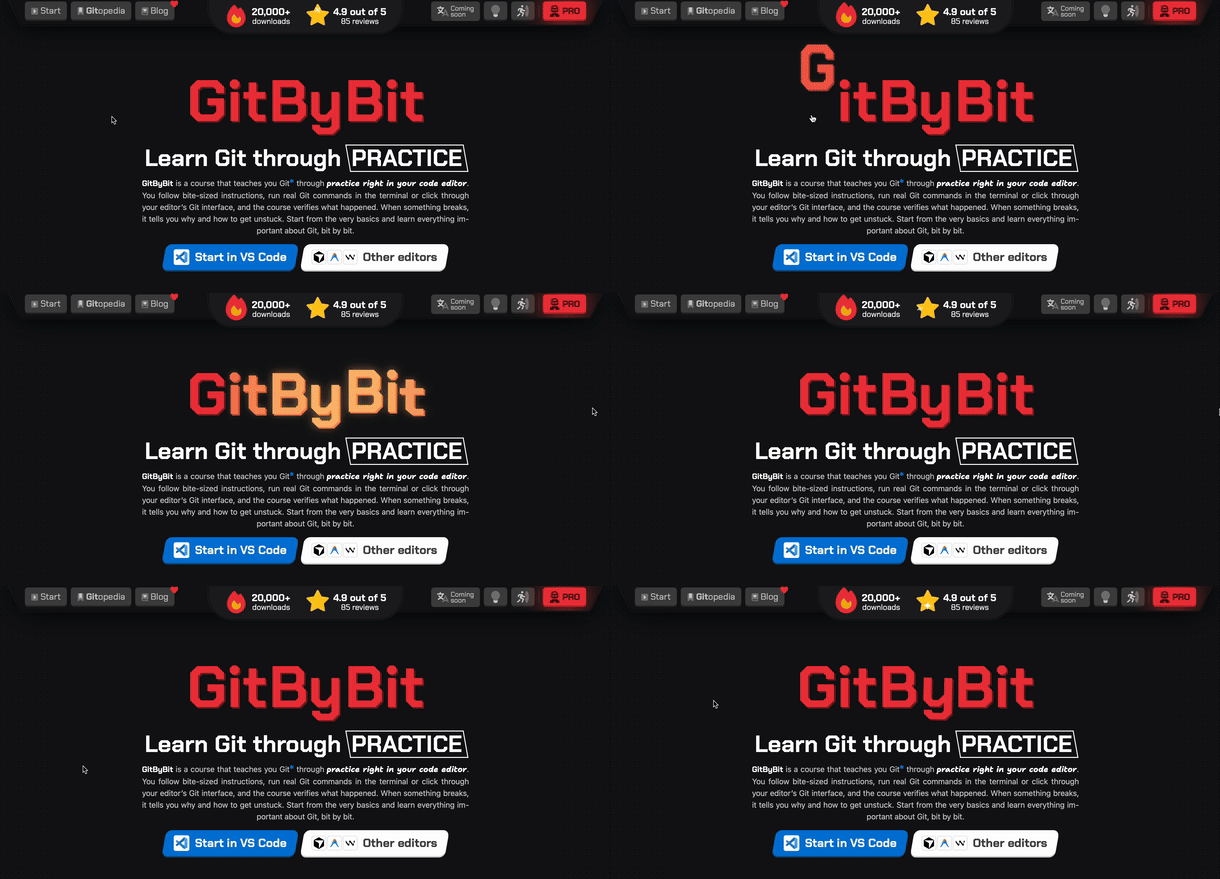
GitByBit is a (mostly) free Git course that you can take right inside your code editor (but also on the web). It uses real Git, a real terminal, and real IDE tools. It's story-based, illustrated, and hyper-focused on practice. A perfect refresher.
I think it's the best educational product I've ever made, and I'm super proud of it. A lot of people have already tried it, and the reception is very positive so far.
Who is it for?
-
Developers who already use Git but mostly as a black box. Oh, I've been this guy for years. You know a few basic commands, and it mostly gets the job done. Secretly, you want to finally understand what you're doing and make sure you're using all that Git has to offer.
-
Ex-devs who rediscovered programming thanks to AI and need their Git muscles back. You remember that it was possible to develop several features in parallel, but you forgot exactly how to do it.
-
PMs, designers, business analysts, and similar folks who are now coding with AI as part of their job. Finally, there's some fun in a sea of meetings, but knowing how to use basic dev tools will help you step up your game.
-
Hobby coders and beginners who want a practical, confidence-building path from zero to "I can work with Git."
What makes it different?
|
|
|
My goal was to create a comfy, educational, and fun experience that takes about an evening.
The course focuses on practice, building muscle memory for commands, and using real Git and IDE tools, while also being well-designed and pleasant to go through. Most Git resources suck ass at all of these things (I'm looking at you, official Git docs).
Practice, practice, practice
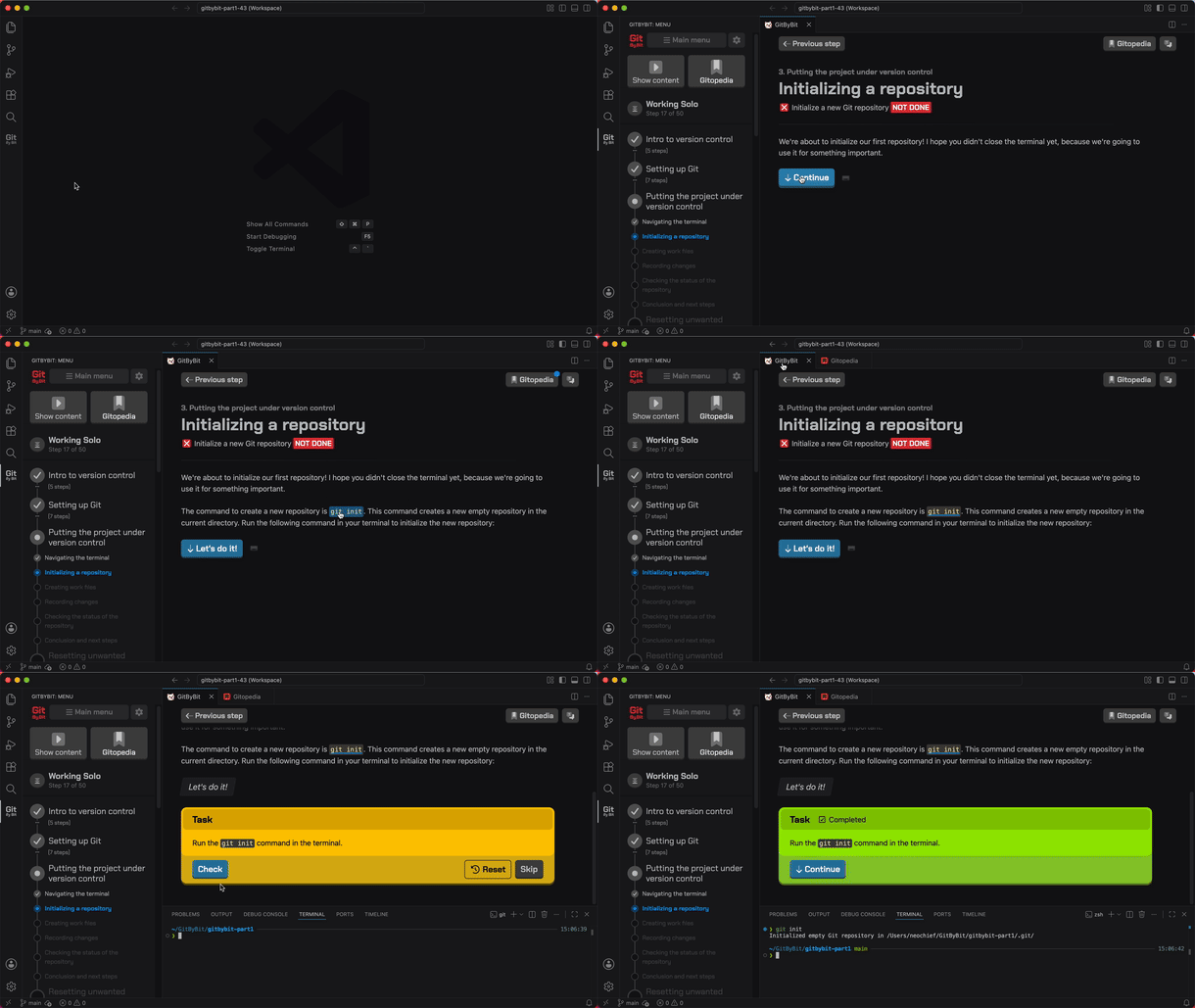
I chose an unusual way to reach the practice goal: I built a course that runs in your code editor (assuming it's VS Code, Cursor, or one of their clones). You can also run it online via GitHub Codespaces or just follow along in your own terminal. This format allows for some pretty cool things:
-
Real Git, editor, and terminal. You're always using real stuff! Once you finish the course, you're literally one shortcut away (Open New Window, Ctrl+Shift+N) from applying everything you've just learned about Git to your next project.
-
Instant feedback. The course can check the results of your actions, explain errors, suggest workarounds, etc. You don't have to jump between a web page with instructions and the terminal, or search for explanations of cryptic Git errors. It's all in one place.
-
Gitopedia. While progressing through the course, you build your personal in-editor Git reference, unlocking bits of supplemental material: deep dives into concepts, detailed explanations of commands, best practices, etc. These bits go into your personal knowledge base, a thing I call Gitopedia. You can open Gitopedia in a separate tab in the editor, or keep it open in parallel at all times. It also serves as a map of what you've learned so far.
Narrative, look and feel |
|
|
What I hate about most Git tutorials is that they throw a list of commands at you and expect you to memorize them. I don't know about you, but I learn best when I hear a story, when I know the context (wtf is a "remote"? Is it for turning on the light?).
-
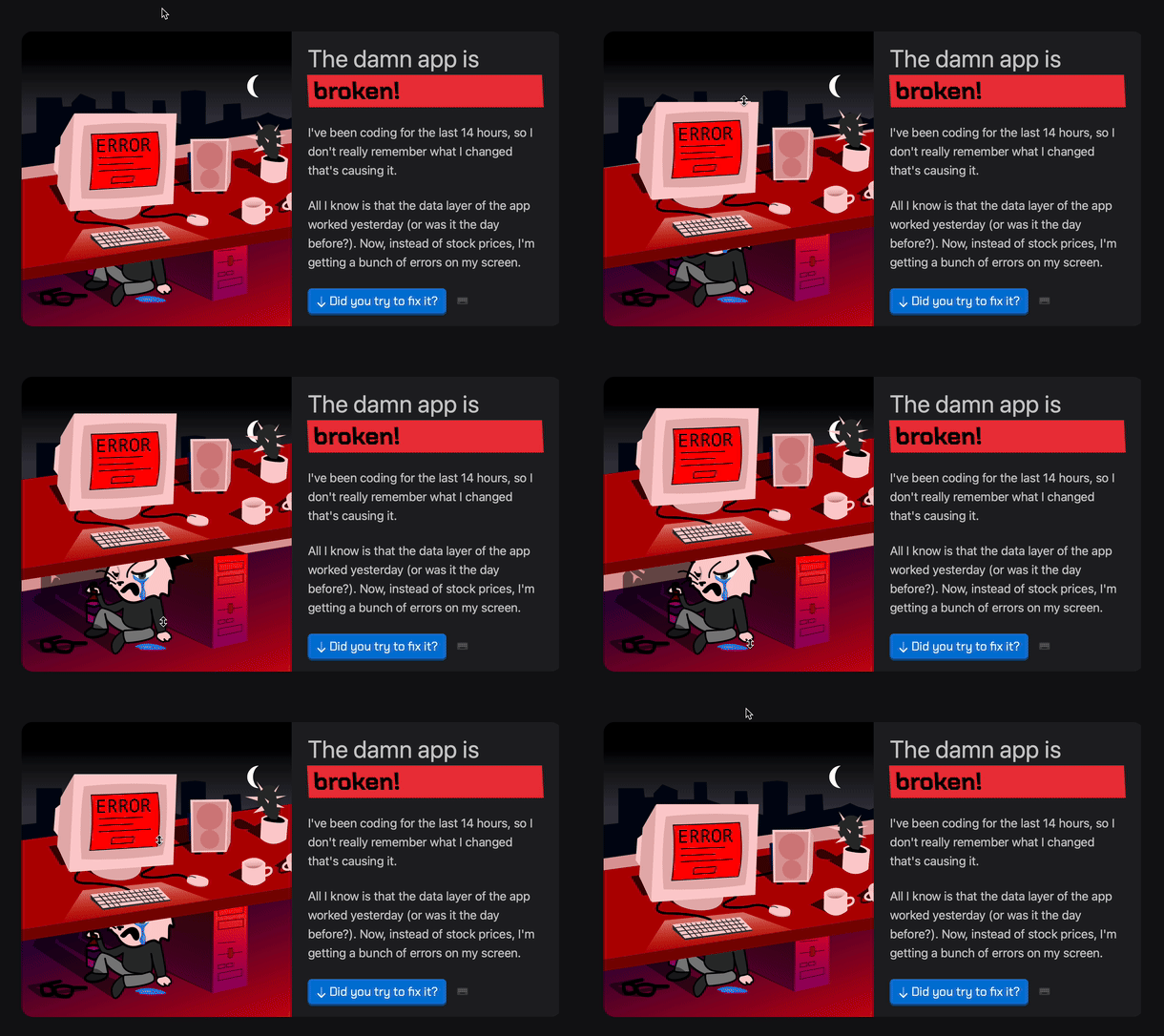
Story-based. The course is built around stories that help you internalize concepts and commands more effectively. For example, a cat takes a nap on your keyboard, and you use git restore to clean up. Or a project starts crashing after an update, and you dig through the Git history to figure out what changed.
-
Respectful of your time. The content is presented in bite-sized chunks, which helps you stay focused and engaged. No endless videos you have to sit through. The main course can be completed in one sitting, over an evening (okay, two if there's some beer).
-
Illustrated. Did I mention the cool handmade illustrations?
What's covered in the course?
There are two parts.
- The FREE main course focuses on Git essentials (4-8 hours). Everything you need to know to work on your personal projects.
-
Setting up and configuring Git, working with the terminal, the staging area, commits, branches, history, remote repos, etc.
-
The course is terminal-first but also shows how to achieve the same thing via the editor's graphical user interface.
-
Apart from learning Git itself, you also get insights into using the terminal effectively (navigating history, using autocomplete, etc.), learn about the software release cycle, semantic versioning, licenses, best practices, and more.
- Optional paid add-on, aka GitByBit PRO (2-3 hours). Covers more advanced topics that are essential for team collaboration and professional development workflows:
-
Selective staging and resetting changes.
-
Different ways to clean up the repo or ignore unwanted changes.
-
A detective scenario where you investigate why the project crashes using Git history and git blame.
-
A story where you help a teammate who's struggling with merge/rebase and a rejected git push.
-
And my favorite: fixing a bug in someone's repo. The full GitHub pull request workflow, from forking a repo to updating it according to the maintainer's requests, adding tests, and the eventual merge.
There's a ton of cool stuff I want to share about it, including interesting behind-the-scenes details and refactoring case studies. This won't fit into one email, so I decided to split it into a short series. |
|
|
By the way, if you have a minute, tell me what you're doing these days. The industry is at MAX craze level right now. Have you been affected by the layoffs? Have you tried agentic coding yet (or maybe switched back already, lol)? Have you created something cool? Reply and let me know. I'd love to chat.
P.S. If you don't feel confident communicating in English, you can reply in your own language. I'll be able to understand it just fine.
Thanks a lot for your time and support! ❤️ |
|
|
|
|
|
|